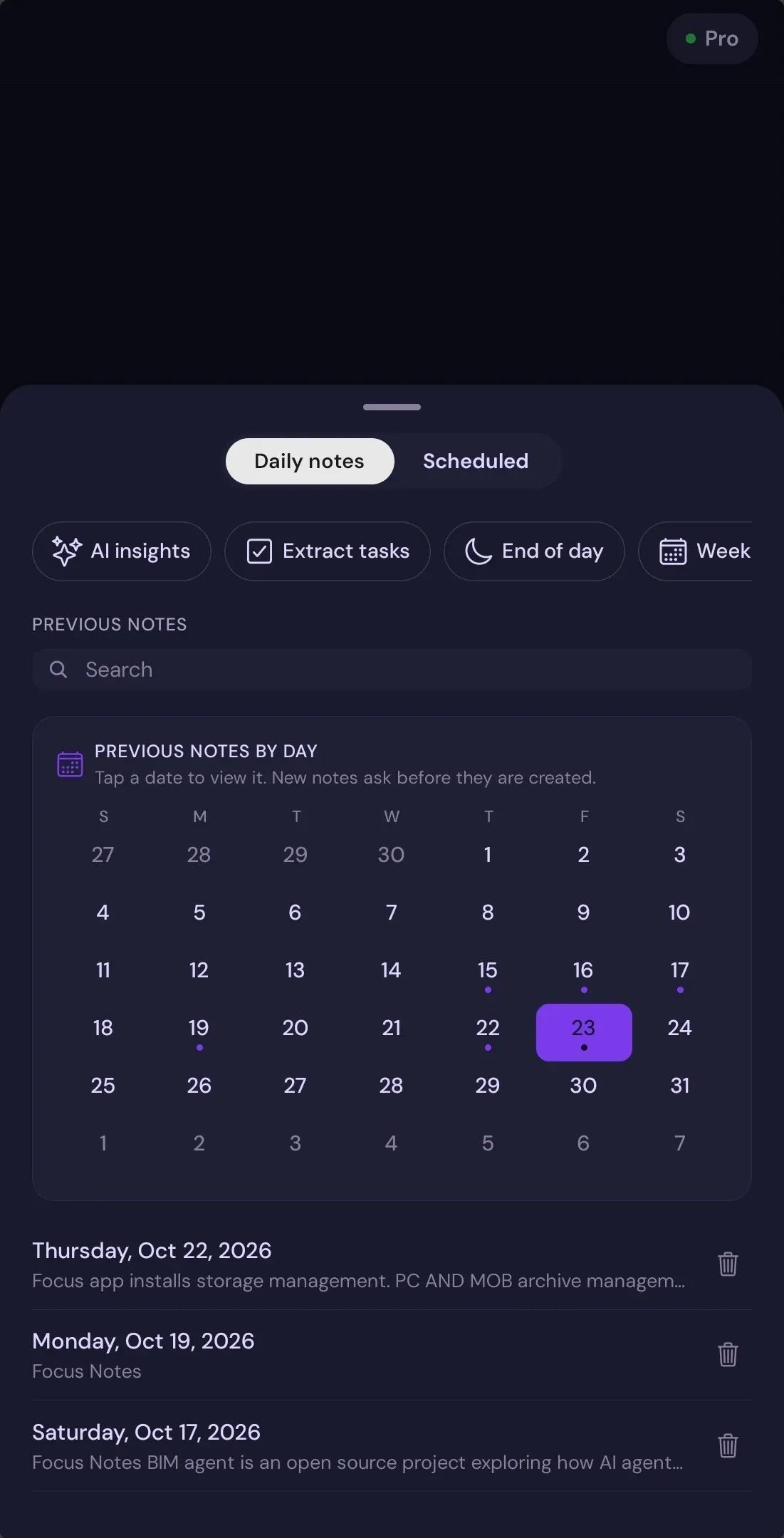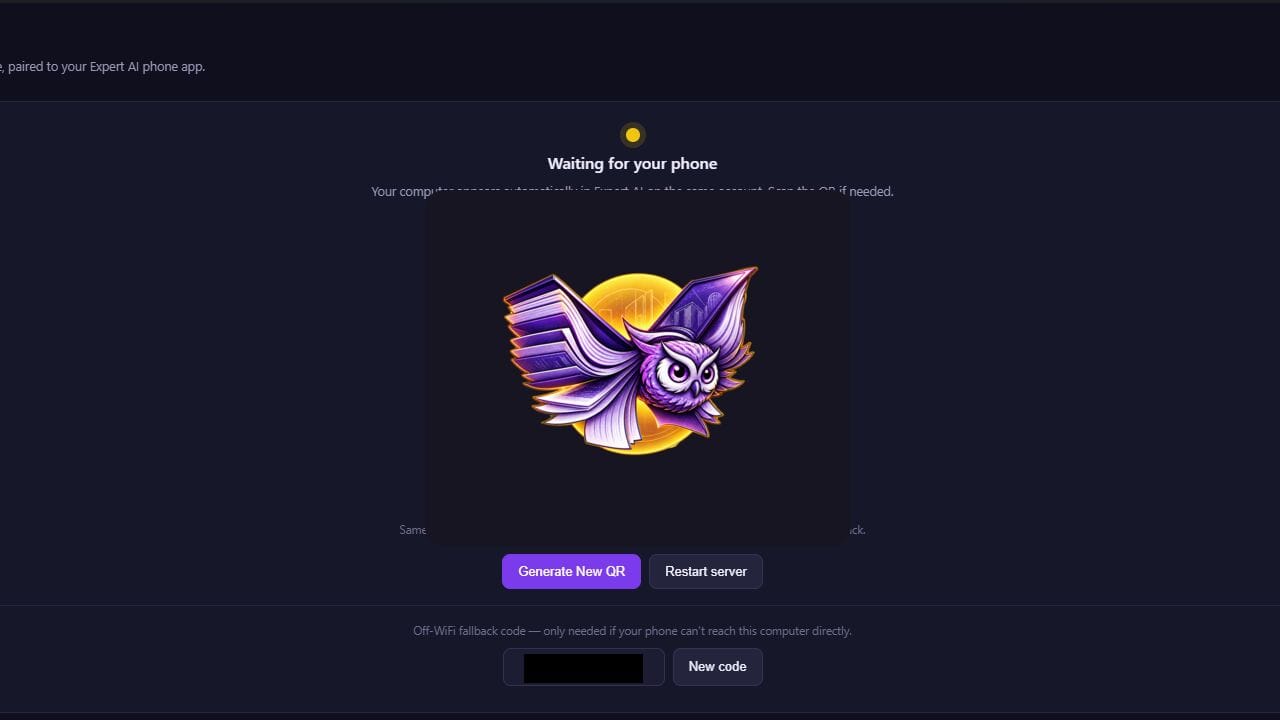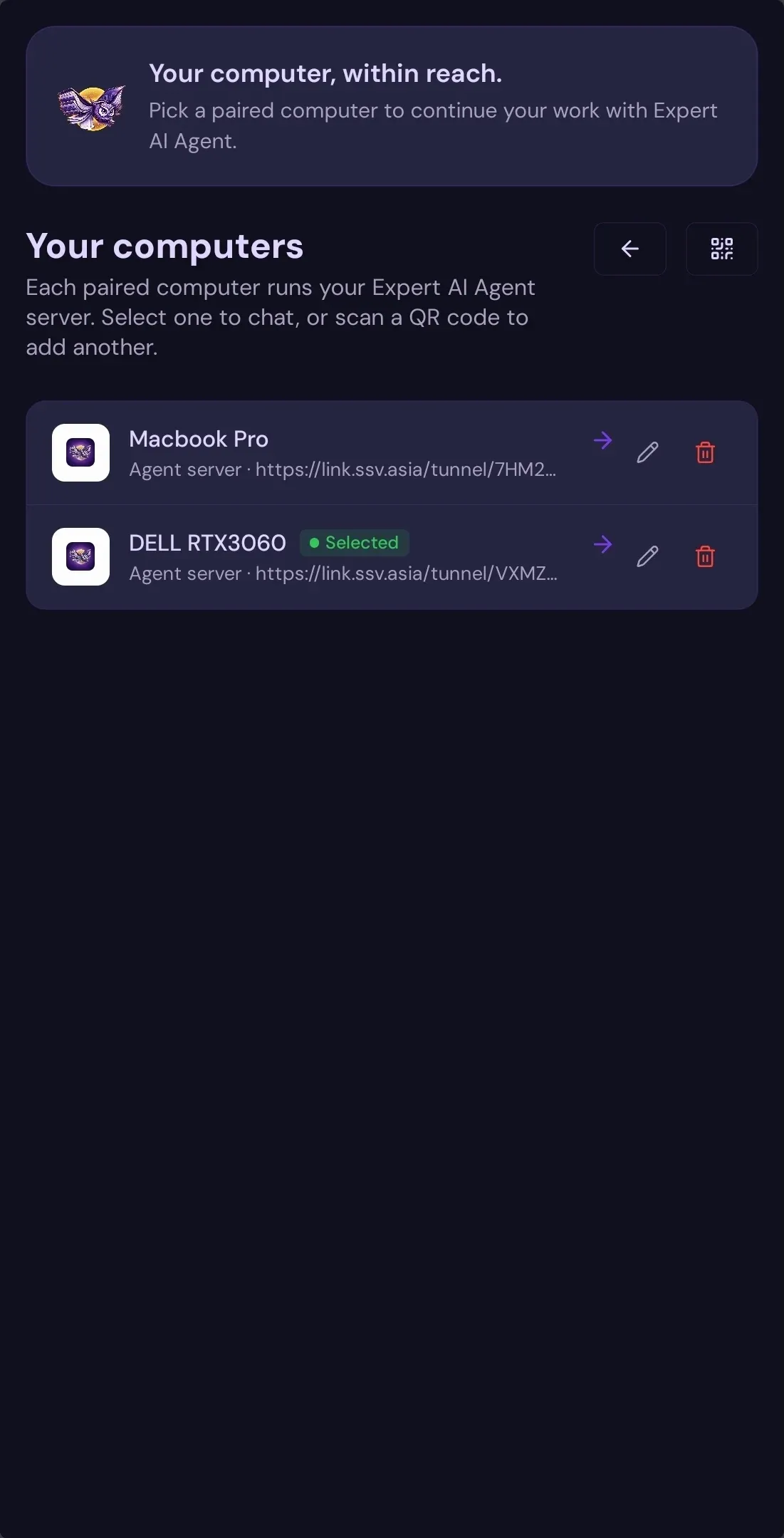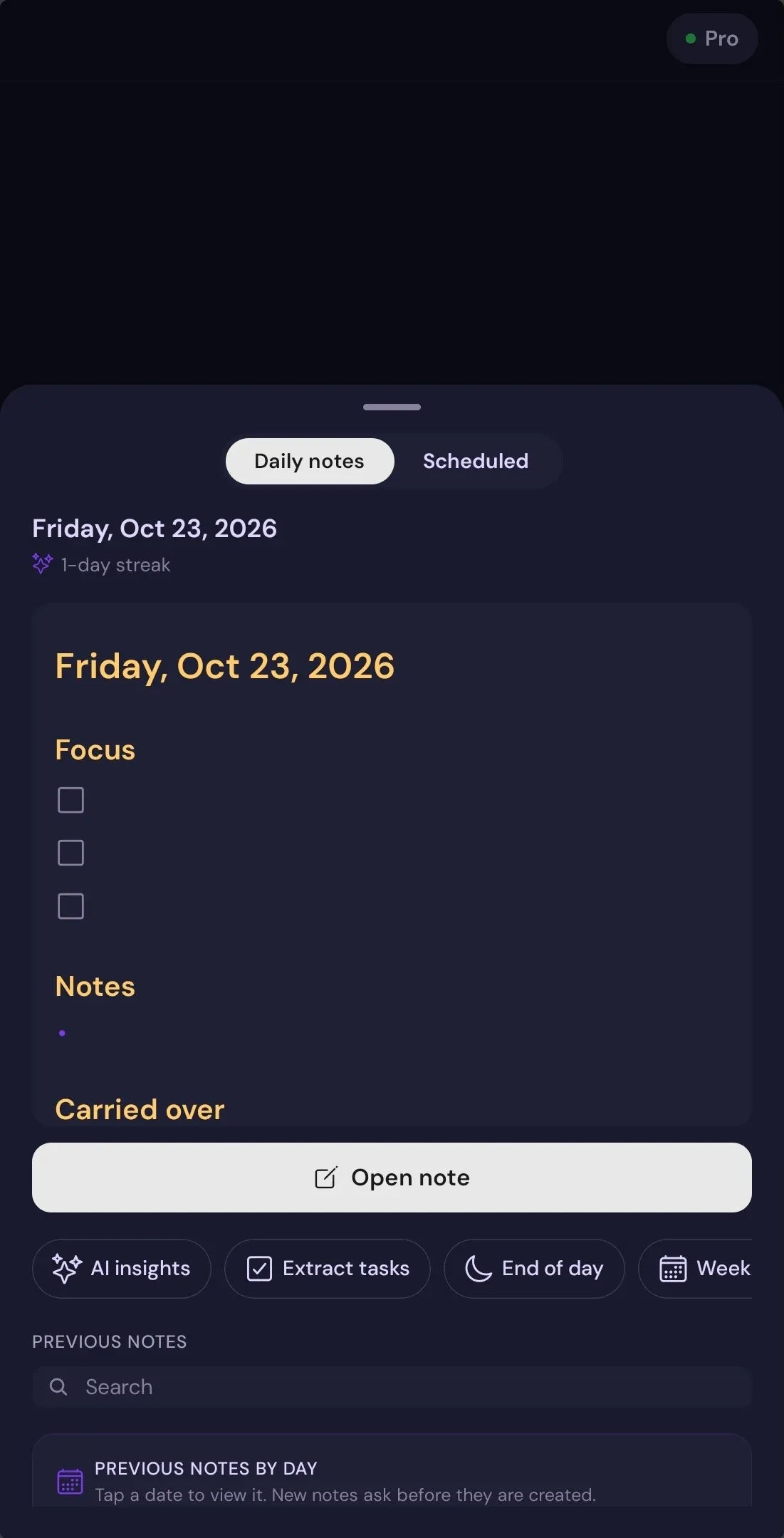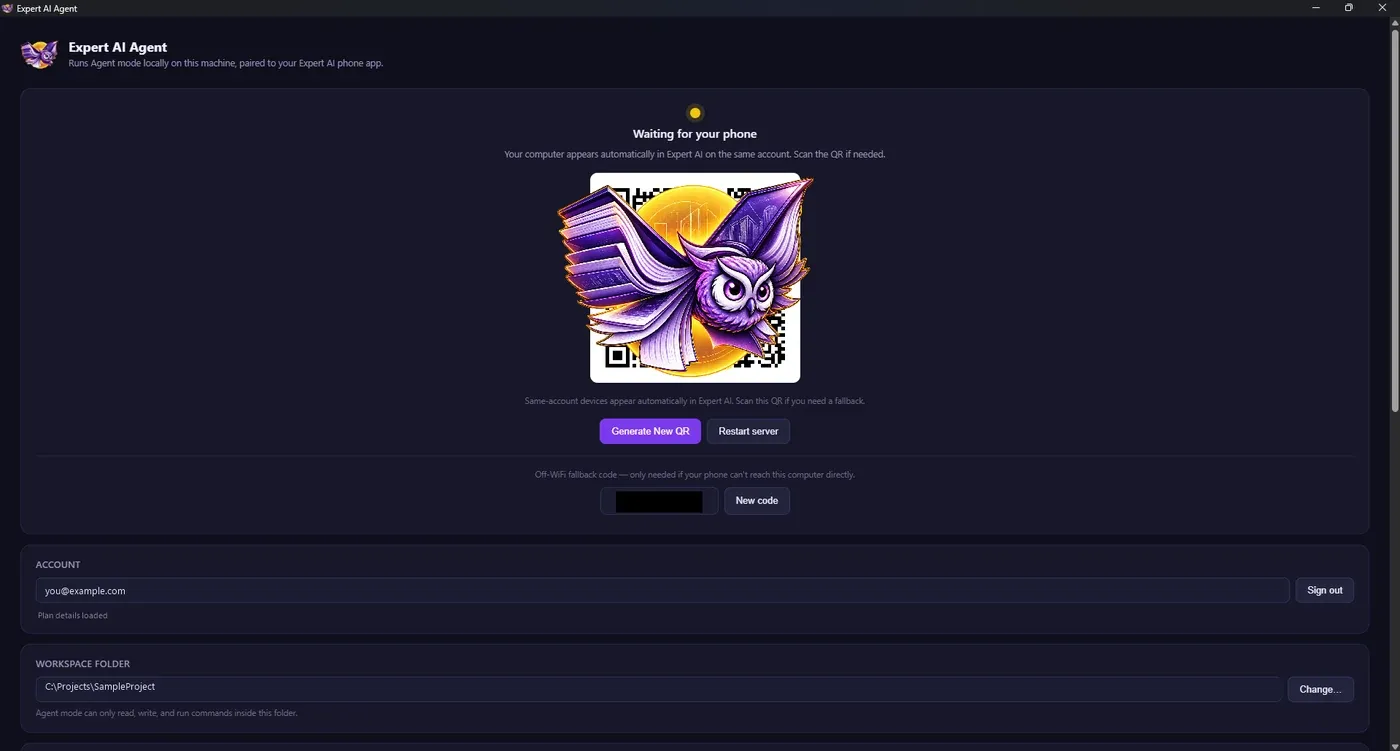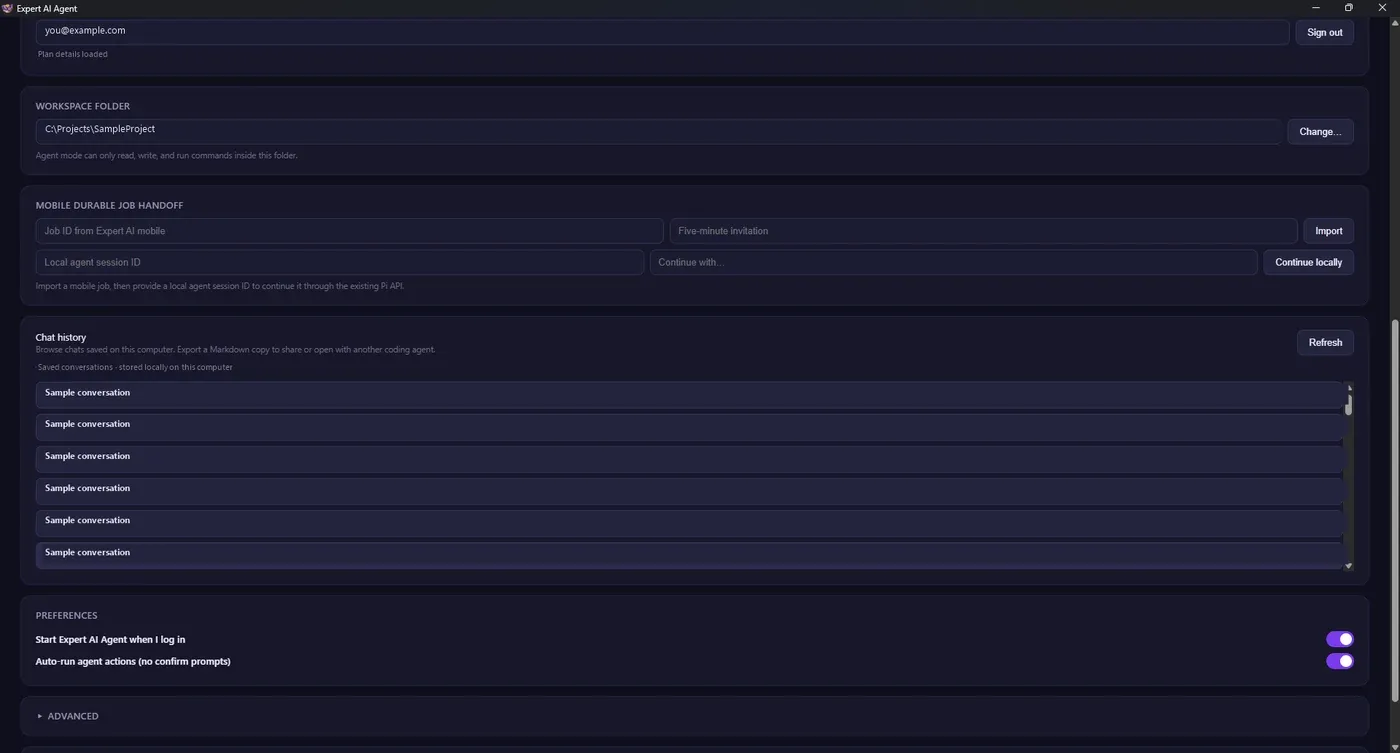
Your AI your way

Expert AI Terminal

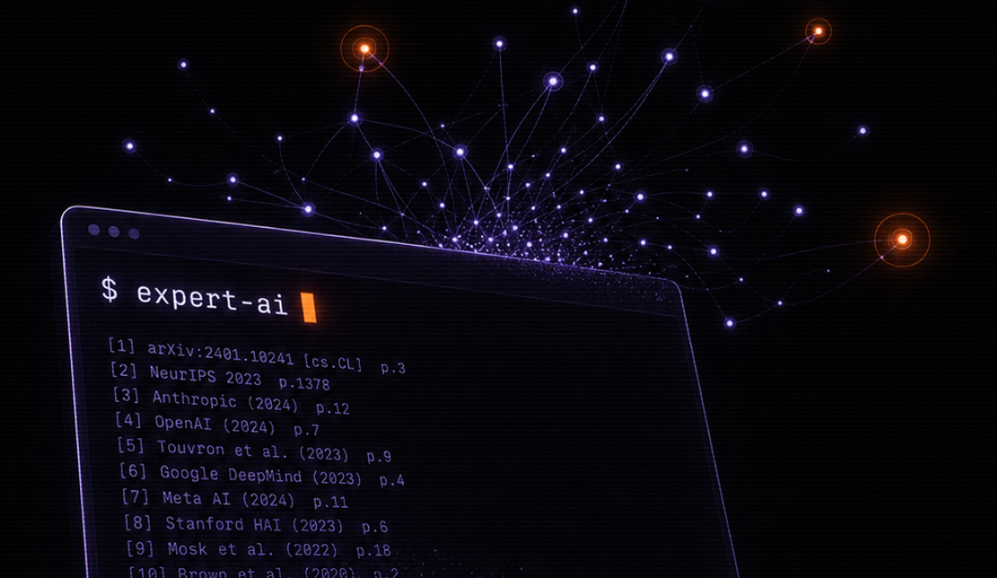
Command Line Interface (CLI) for Agentic LLM Connect to 200+ AI Models like Mistral Nemo, Claude Opus 4.6, Gemini 3.1, GPT 5.5

www.ssv.asia

Pay-As-You-Go

Zero Data Retention

Save time, reduce errors, improve speed and build sustainable knowledge.

Purchase Expert AI Terminal

Learn something new everyday, sharpen your memory and manage technical information with Expert AI Terminal - Making R&D seamless for professionals.

5,300+
Professionals
India #1
Knowledge Management Tool
20%
Minimum daily time saved
12M+ word
Technical Wiki
Expert AI Terminal — Built for Advanced Research & Development

Find, create and edit technical documents
in seconds.

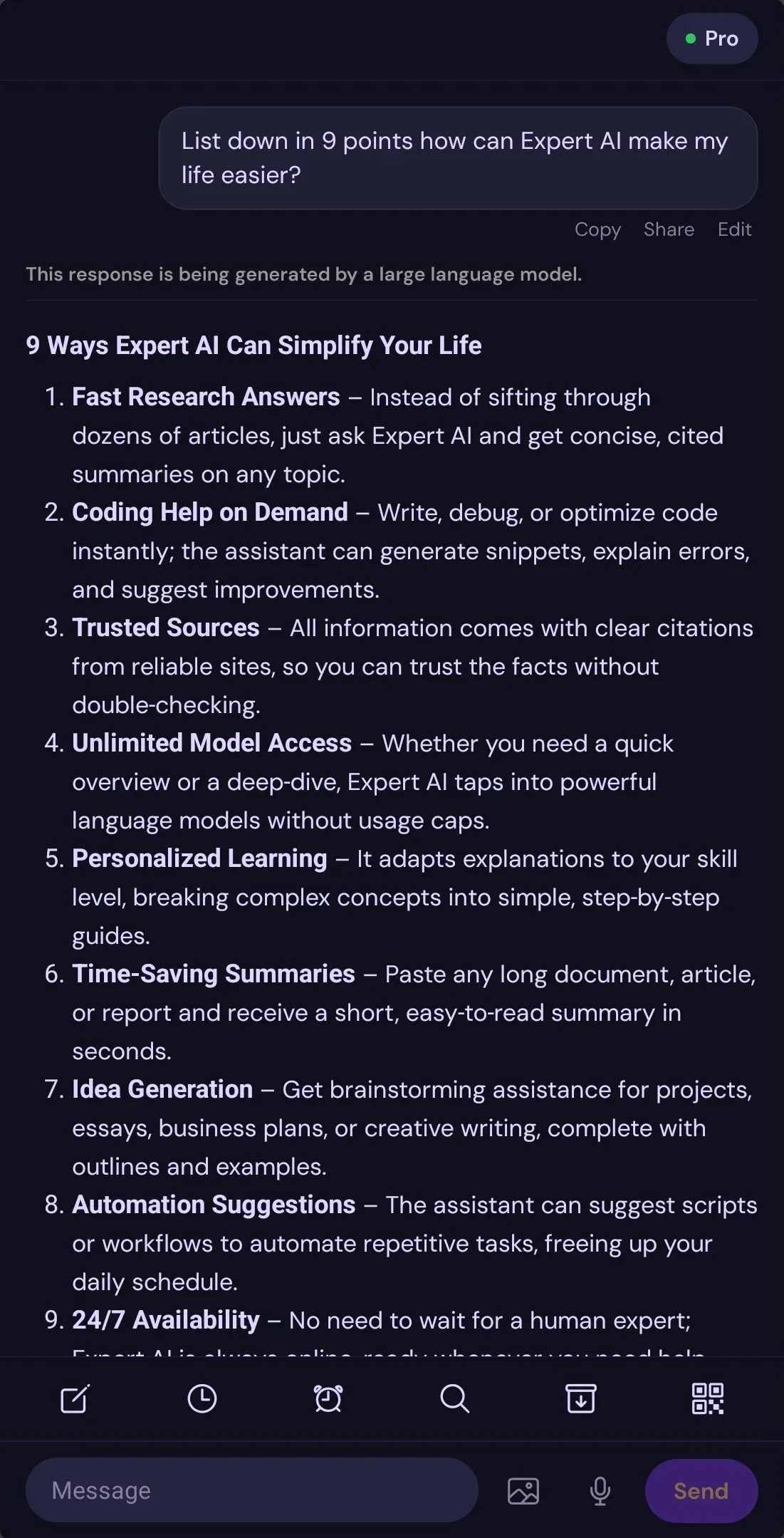
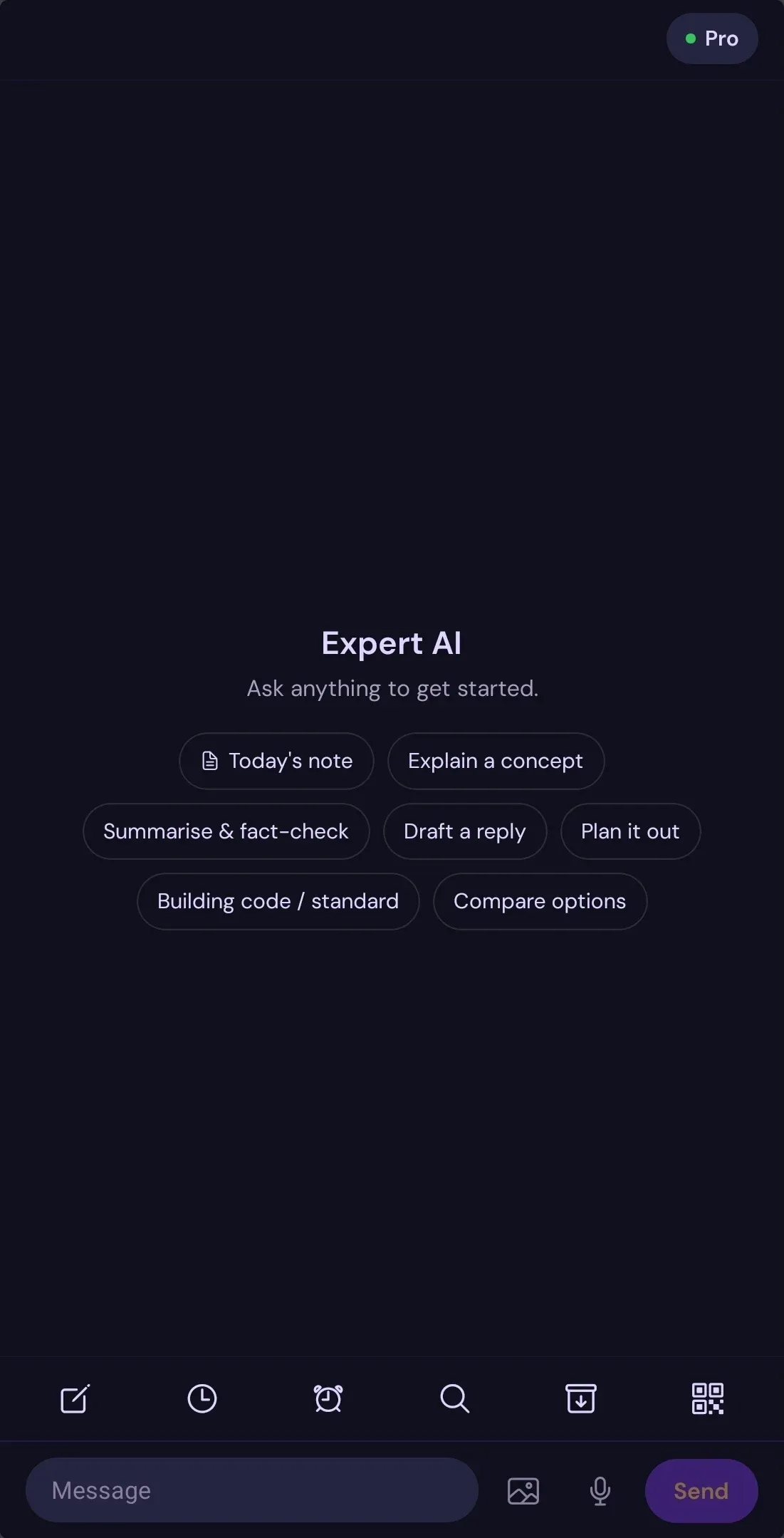
AI-powered knowledge workspace for professionals. Search your documents, code, research, and build a knowledge system that remembers you.

Expert AEC Terminal from $5/month · Razorpay & PayPal accepted

Agentic Module / Only on SSV.Asia

Expert AI Terminal

Unified intelligence system for coding, research, workflows, and AI-powered productivity.

200+ Models Pay-As-You-Go Zero Data Retention

Expert AEC Terminal from $5/month · Razorpay & PayPal accepted

Six Core Use Cases

How Professionals Use Expert AI Terminal

From software development to academic research, AEC design to knowledge management.

Use Case 01
Software Development
Full-stack code generation, debugging, testing, and optimization across all major languages.
  • Multi-language support: Python, JavaScript, TypeScript, Rust, Go, Java, C++, C#, PHP, Ruby, Swift, Kotlin
  • Real-time debugging, error analysis, and stack trace interpretation
  • Code review, refactoring suggestions, and performance optimization
  • Automated test generation, coverage analysis, and edge case detection
  • Documentation auto-generation from code and docstrings
  • Git integration, commit message generation, and branch management
  • Architecture review and design pattern suggestions
Use Case 02
Academic Research
10,000+ doctoral papers with semantic search, synthesis, and reproducibility verification.
  • Full-text paper search with semantic understanding and relevance ranking
  • Literature review synthesis across multiple papers and research areas
  • Citation management, provenance tracking, and reference validation
  • Paper-to-code audit: compare claims against public codebases
  • Reproducibility verification and methodology assessment
  • Knowledge graph generation from research findings
  • State-of-the-art analysis and research landscape mapping
  • Peer review simulation and constructive critique
Use Case 03
Architecture & Engineering
BIM workflows, design formulas, spatial analysis, and technical documentation for AEC professionals.
  • Design formula library (MathBook integration) with structural calculations
  • BIM data analysis, optimization, and clash detection
  • Building code compliance checking and regulatory verification
  • Spatial analysis, visualization, and layout optimization
  • Technical specification generation and documentation automation
  • Material selection and cost estimation
  • Project scheduling and resource planning
Use Case 04
Knowledge Management
Obsidian integration with persistent memory, graph visualization, and contextual recall.
  • Obsidian vault sync with real-time graph visualization
  • Persistent memory across sessions with context retention
  • Automated note linking and bidirectional backlinks
  • Canvas workspace for visual thinking and mind mapping
  • Universal search across all archives and collections
  • Digital gallery and collections management
  • Automatic tagging and semantic organization
Use Case 05
Data Analysis
CSV, JSON, Excel, SQL with statistical analysis, visualization, and automated reporting.
  • Multi-format data import: CSV, TSV, JSON, JSONL, Excel, SQL, Parquet
  • Statistical analysis, modeling, and hypothesis testing
  • Interactive visualization generation with Vega-Lite
  • Automated report generation with charts and summaries
  • Data cleaning, transformation, and normalization
  • Predictive analytics and machine learning workflows
  • Time series analysis and forecasting
Use Case 06
Content Creation
Writing, editing, and professional communication with multi-language and format support.
  • Email and message drafting with tone adjustment
  • Technical documentation and API reference generation
  • Content editing, proofreading, and style refinement
  • Markdown and LaTeX support with equation rendering
  • Multi-language support and translation assistance
  • Collaborative writing workflows and version control
  • SEO optimization and content strategy
Complete File Support

Supported File Types & Formats

Work with any file format. From code to research papers, data to presentations.

💻
Code Files
  • .py, .js, .ts, .jsx, .tsx
  • .rs, .go, .java, .cpp, .c
  • .cs, .php, .rb, .swift, .kt
  • .sh, .bash, .zsh, .fish
  • .json, .yaml, .xml, .toml
  • .sql, .graphql
📄
Documents
  • .md, .markdown
  • .pdf (with OCR)
  • .docx, .doc
  • .txt, .rtf
  • .tex, .latex
  • .odt
📊
Data Files
  • .csv, .tsv
  • .xlsx, .xls
  • .json, .jsonl
  • .sql, .db
  • .parquet, .arrow
  • .ndjson
🖼️
Images
  • .png, .jpg, .jpeg
  • .gif, .webp
  • .tiff, .bmp
  • .svg
  • OCR enabled
  • Batch processing
🎬
Presentations
  • .pptx, .ppt
  • .odp
  • Slide extraction
  • Speaker notes
  • Content analysis
  • Batch conversion
🔬
Research
  • arXiv papers
  • PDF research
  • BibTeX citations
  • Zotero integration
  • Citation networks
  • Metadata extraction

Processing Capabilities

Parsing
Multi-Format Extraction
Extract text, metadata, and structure from any file type with layout preservation.
OCR
Optical Character Recognition
Convert scanned documents and images to searchable text with high accuracy.
Analysis
Content Understanding
Semantic analysis, entity extraction, and relationship mapping across documents.
Search
Full-Text & Semantic
Search across all formats with keyword and semantic understanding.
Integration
Obsidian & Canvas
Sync with Obsidian vaults, create knowledge graphs, and visual workspaces.
Batch
Bulk Processing
Process hundreds of files simultaneously with parallel execution.
Advanced Research Capabilities

Research Workflows

Specialized workflows for academic research, literature review, and technical analysis.

🔍
Deep Research
Multi-source investigation with cited briefs, source-heavy analysis, and provenance tracking across web and academic sources.
  • Search across 10,000+ papers and web sources
  • Aggregate findings with full source attribution
  • Generate cited research briefs
  • Track provenance and verification status
Multi-Source
📚
Literature Review
Comprehensive paper survey, state-of-the-art analysis, academic landscape mapping, and research trend identification.
  • Survey papers in a research area
  • Identify state-of-the-art approaches
  • Map research landscape and trends
  • Generate synthesis and comparison matrices
Academic
🔬
Paper Code Audit
Compare paper claims against public codebases, verify reproducibility, identify implementation mismatches and gaps.
  • Extract paper methodology and claims
  • Locate public implementations
  • Compare code against paper descriptions
  • Identify reproducibility issues
Verification
🔄
Replication Studies
Plan and execute paper replications, benchmark verification, empirical validation, and result confirmation.
  • Plan replication methodology
  • Set up experimental environment
  • Run benchmarks and collect results
  • Compare against original findings
Empirical
✍️
Peer Review
Simulate tough but constructive peer review, identify weaknesses, strengthen arguments, and improve rigor.
  • Analyze paper structure and claims
  • Identify methodological weaknesses
  • Suggest improvements and clarifications
  • Provide constructive feedback
Critique
⚖️
Source Comparison
Compare multiple sources, generate comparison matrices, grounded analysis, and consensus identification.
  • Collect multiple sources on topic
  • Extract key claims and findings
  • Generate comparison matrices
  • Identify consensus and disagreements
Analysis
📝
Paper Writing
Turn research findings into polished papers with sections, equations, citations, and academic formatting.
  • Structure paper with standard sections
  • Integrate equations and figures
  • Generate citations and references
  • Format for academic submission
Writing
👁️
Research Watch
Recurring monitoring on topics, companies, papers, and product surfaces with automated alerts and updates.
  • Set up monitoring on research areas
  • Track new papers and publications
  • Monitor company announcements
  • Receive automated alerts
Monitoring
Why Choose Expert AI Terminal

Built for Professionals Who Demand More

Six core differentiators that set Expert AI Terminal apart from generic AI tools.

🔐
Own Your Stack
Access 200+ AI models across providers with a unified interface. No vendor lock-in.
  • OpenAI, Anthropic, Google, Meta, Mistral, and open-source models
  • Pay-as-you-go pricing with no long-term contracts
  • Switch models mid-workflow without data loss
  • Zero data retention architecture
  • Multi-model workflows and comparison
🧠
Persistent Memory
Deep knowledge graphs that remember context across sessions and projects.
  • AI learns your patterns and preferences over time
  • Contextual recall improves with every interaction
  • Project history and research continuity
  • Automatic knowledge graph generation
  • Cross-session context retention
Local-First Architecture
Free forever local AI models with no cloud costs. Full data sovereignty.
  • Your proprietary data never leaves your machine
  • Optional cloud features for collaboration
  • No subscription required for local models
  • Offline-first capability
  • Full data sovereignty and compliance
🔬
Research-Grade Tools
10,000+ doctoral papers with literature automation and academic workflows.
  • Access to comprehensive research archive
  • Literature review automation
  • Paper-to-code audit capabilities
  • Reproducibility verification
  • Academic-quality analysis workflows
🎯
AEC-Optimized
Purpose-built for architects and engineers with domain-specific tools.
  • BIM assistance and data analysis
  • Design formula library (MathBook)
  • Building code compliance checking
  • Spatial analysis and visualization
  • Technical workflows for AEC professionals
🚀
Developer Ready
IDE integration, API access, and full automation for power users.
  • IDE integration and code editor plugins
  • REST and GraphQL API access
  • Multi-language SDK support
  • Full automation and scripting capabilities
  • Extensible architecture for custom workflows

How Expert AI Terminal Compares

Feature Expert AI Terminal Generic AI Tools Enterprise Solutions
Multi-Model Access
Local-First Architecture
Persistent Memory
Research Paper Access
AEC-Specific Tools
API & Automation
Zero Data Retention
Pay-As-You-Go Pricing
Obsidian Integration
Affordable Entry Price
Supporting professionals building for a better future.

Choose Your Terminal

Access the ssv.asia Archive, AI tools, and digital knowledge systems.

Community Edition

Get started instantly

$0 /month
Start Free
Flagship

Expert AI Terminal

Full-spectrum AI deployment

$120 one-time + $36/mo

Usage-based pricing available

  • Everything in Expert AEC Terminal
  • Obsidian Graph Access & Sync
  • Train AI on your proprietary data
  • Deep knowledge & persistent memory
  • Free forever local AI models
  • Installer USB (plug-and-play)
  • Dedicated onboarding & priority support

Choose Your Payment Method

Indian Payment

Razorpay

Pay with Razorpay
$

International Payment

PayPal

Pay with PayPal

Frequently Asked Questions

Yes, you can cancel your subscription anytime from your account portal. No long-term contracts or hidden fees. The Expert AI Terminal one-time setup fee is non-refundable but grants lifetime software access.

The $120 one-time setup includes lifetime software access, free forever local AI models (no cloud costs), Obsidian integration, and an optional Installer USB for portable deployment. Monthly fees cover cloud features, priority support, and usage-based AI queries.

Yes! Expert AI Terminal subscribers can train custom AI models on proprietary data. Your data stays local and private — we don't upload it to public clouds. Full data sovereignty is guaranteed.

Yes! Students and academics get 50% off Expert AEC Terminal. Contact us on WhatsApp to verify your status.

Yes, your data is stored locally on your devices by default. We don't upload proprietary project data to public clouds. Your privacy and data sovereignty are guaranteed with Expert AI Terminal.

Return on Investment

What does Terminal Pro actually cost you?

A 10–20% workflow improvement creates real revenue. See what it means for your practice.

5
40
1000
15%
Additional billable hours/week
Additional weekly revenue
Additional annual revenue
Return on Terminal Pro cost

Terminal Pro costs ₹3,000/month for professionals. See all plans →

WhatsApp
Your AI your way

Start using Expert AI Terminal today, Purchase a dedicated installation for your machine

AI chat, AI Agents and knowledge systems built for rigorous domain expertise and sovereign data hosting.